Welcome to
Deep in the workshop halls of the MonsterFactory, creatures are forged from sparks of imagination, fragments of lore, and a pinch of chaos. Whether you're a GM seeking inspiration or a player looking for something strange to unleash, this guide will help you understand how everything works.
Little Gobby waves from the corner, proudly holding a clipboard.
How MonsterFactory Works
MonsterFactory blends handcrafted logic with procedural generation to create creatures that feel intentional, surprising, and ready for your world. Each creature is built from three core components:
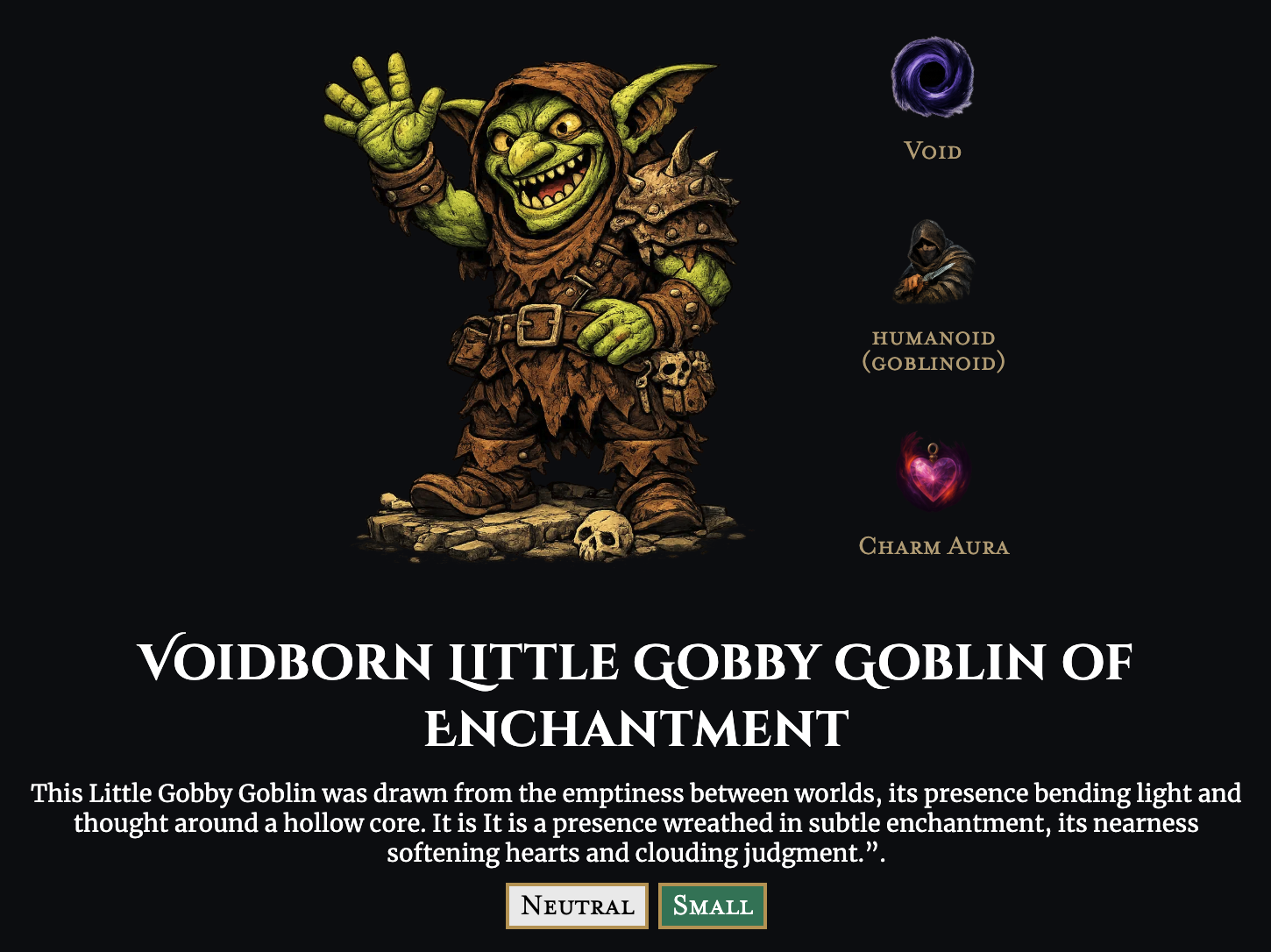
- Attribute (Void): The creature's fundamental nature. This is the spark that shapes everything else, and sometimes it mixes things up in unexpected ways.
- Type (Goblinoid): A broad species or category. Every creature has one. Some are uglier than others… but not little Gobby, of course. He's very handsome. Obviously.
- Perk (Charm Aura): A twist or special ability that adds flavour, danger, or delightful chaos. Sometimes all three.
Below these, you'll find the creature's name. Names are generated from the Attribute, Type, and Perk, resulting in everything from the terrifying to the absurdly charming — such as the undeniably handsome Voidborn Little Gobby Gobline of Enchantment.
Finally, each creature includes a short description. This offers a glimpse into its nature, origins, or reputation. It's useful, atmospheric, and occasionally alarming. Wield responsibly.
“Gobby, have you been messing with my descriptions again?” - Ryan
How To Filter & Refine Your Creatures
When you're first unleashed into the candy shop of potential destruction, it's only natural to mash the randomise button until your eyes water — or until you discover the most dangerous, ridiculous, or accidentally majestic creature the Factory can spit out. But as your journey deepens, you may want a little more control over what you're summoning. Thus, the filters were born.

Filters let you steer the generator toward something more tailored to your needs. To keep things simple, the Factory offers four main filters:
- CR: Limit results by Challenge Rating to match your party's power level, or to wildly exceed it, if chaos is the goal.
- Attribute: Focus on a specific core nature, from radiant to void-touched and everything in between.
- Creature Type: Narrow your results to a particular species or category.
- Perk: Hunt for a specific twist, ability, or flavour of trouble.
Armed with these tools, you can craft a being of ultimate power, a creature that turns stomachs, or even a mouse that doubles as a grenade. The possibilities are… uncomfortably endless.
Understanding Stat Colours
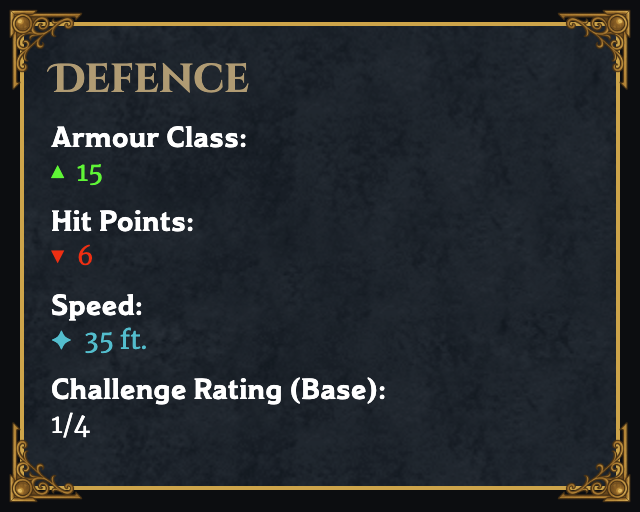
Some creature stats are colour-coded to help you understand changes at a glance:
- Green: Boosted or enhanced stats. A phoenix with lightning-fast reflexes, a goblin with surprising intelligence… sometimes the results are impressive.
- Red: Reduced or impaired stats. These often create interesting quirks: a bat with no fly speed, a shark that can't swim… Gobby insists these are “features.”
- Blue: Modified stats that aren't clearly better or worse. A fire elemental with fire vulnerability might be a disaster… or exactly what your story needs.
Gobby taps a red stat: “This one bites.”
Hover Tooltips
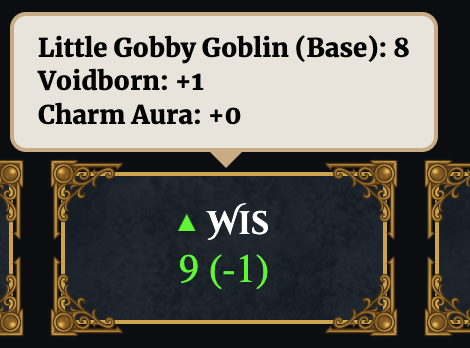
Now we come to a feature Gobby has been itching to show off his beloved research ToolTips. Many elements in MonsterFactory include these little hover notes. They provide extra context, definitions, or lore without cluttering the interface.
On the desktop version of the app, simply hover your cursor over an element to reveal its tooltip. On mobile, tap the element to bring the tooltip to life.
“Hover over Gobby. No, wait. Don't.”
Exporting Your Creatures For Later
Every good artificer knows the value of keeping notes, whether you're saving a creature for future mischief, planning an encounter, or preparing something your players absolutely won't see coming. Luckily, Gobby had a rare moment of brilliance and helped cobble together an export function.
When you export a creature, MonsterFactory opens a preview window where you can inspect the final card before saving it. This lets you zoom in, check details, and make sure everything looks just right.
On mobile, tapping Save Image triggers your device's download prompt. On desktop, the image downloads directly to your machine.
Gobby holds up a tiny printed card: “Gobby approves.”